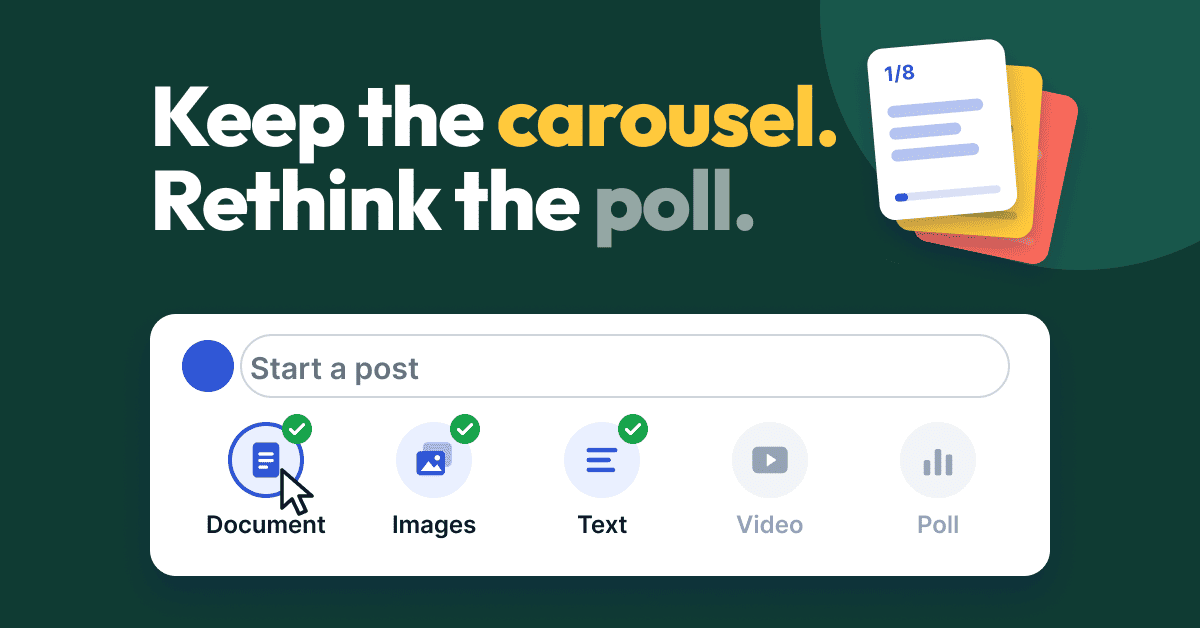
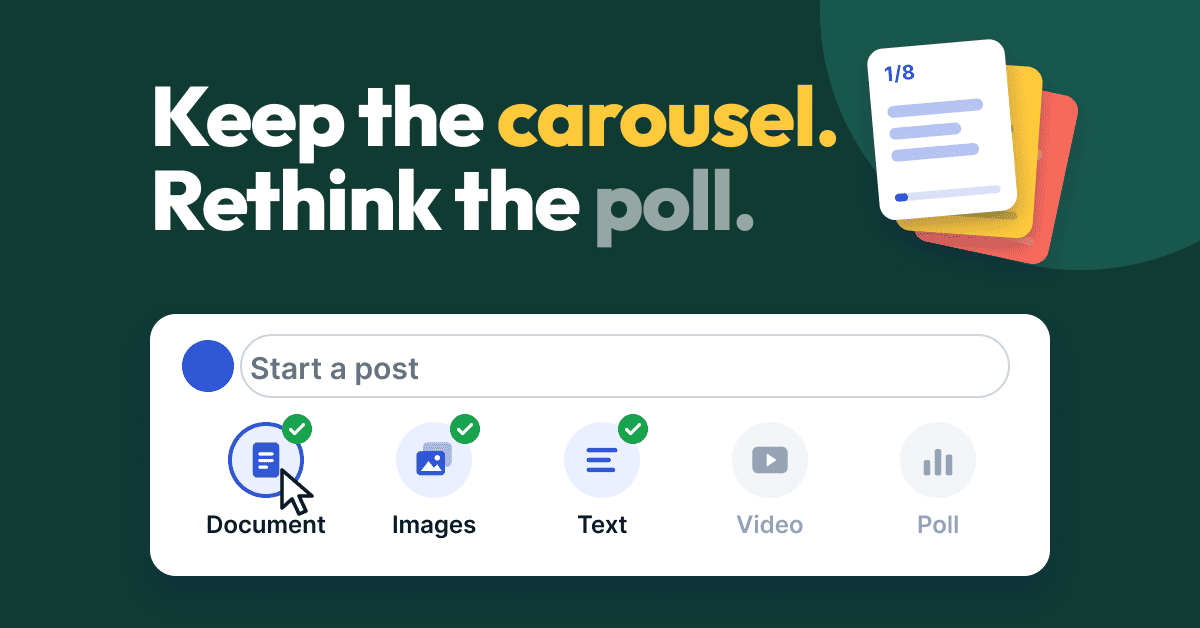
The formats worth your time heading into 2027 are documents (carousels), multi-image posts and short plain text with a sharp opinion, while native video and polls need a reason to exist. That is the read from two of the largest public datasets on LinkedIn formats, and it is a forecast about 2027, not a promise.
LinkedIn has not announced a new post format for 2027. What it has announced is a feed with upgraded ranking models, less tolerance for engagement bait and automation, and more creator analytics. This guide turns those facts and the published format data into a test plan for SaaS founders, MSP and cloud partner leaders, professional firms and anyone running founder-led LinkedIn sales.
What are the LinkedIn post formats today?
LinkedIn's own guide lists ten ways to share content: text-only posts, single-image posts, multi-image posts, native videos, articles, newsletters, documents, celebrate an occasion, polls and reposts. This is the official list in LinkedIn’s types of posts guide, written for nonprofits but describing the same composer everyone uses.
Three details from that guide matter for planning. Polls take up to four options of 30 characters each and can run one day, three days, one week or two weeks. LinkedIn says to aim for native videos of 30 to 60 seconds, although videos can run up to 15 minutes. It also says posts with images typically get two times more comments than posts without them.
Nothing on that list is new, and that is the point. The formats you will use in 2027 are mostly the ones you can use today. What changes is which ones the feed rewards.
Which formats perform best right now?
Documents have the best all-round numbers, video fell hardest, and polls get reach without engagement. Two vendor studies, both labeled as such, point the same direction. AuthoredUp analyzed more than 3 million LinkedIn posts from March 2025 to February 2026 and compared them with the year before, in its LinkedIn trends report. Metricool published its own figures in its 2026 LinkedIn study.
Here is the AuthoredUp format data, with a note on what each result suggests for a founder. A multiplier of 1.0x is an average post.
Source: AuthoredUp analysis of personal profiles, March 2025 to February 2026 versus the prior year. Multipliers compare each format with an average post.
Metricool's data adds two figures, and AuthoredUp adds one more about saves:
Saves are a signal that a post is worth coming back to, so checklists, frameworks and step-by-step posts have a built-in advantage.
What is changing on LinkedIn that could affect formats in 2027?
Four announced changes shape the forecast. None of them names a format, so everything after this section is inference.
The common thread is substance. Formats that make a reader stay, swipe or save are better placed than formats built to farm replies.
Which formats should you try in 2027? A forecast
This is a forecast, built from the sources above. Treat it as a hypothesis to test on your own account.
1. Documents that teach one thing
Documents combine above-average reach and engagement with the biggest share of saves, and the feed changes reward substance. Keep each one to a single job: a checklist, a framework or a before and after. A short deck of 6 to 10 slides that a prospect would save beats a long deck nobody finishes. The LinkedIn carousel generator turns a post you have already written into branded slides without a design tool.
2. Multi-image posts as proof
The 3.71% engagement rate in Metricool's data makes multi-image posts one of the most underused formats. For a founder, that means three screenshots of a real result, a customer dashboard with permission, or four photos from an event with one connecting sentence. LinkedIn's own guidance says multi-image posts work best when the images tell a single, connected story.
3. Short text with a specific opinion
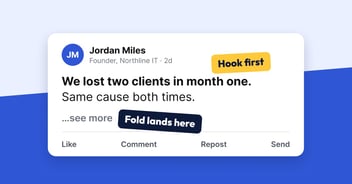
Text posts show flat reach at 1.07x and the smallest decline, minus 3%. They are the cheapest format to produce, and they are where your point of view lives. If the feed keeps trimming repetitive, low-substance posts, a post that says something only you would say becomes more valuable, not less. The structure is in these LinkedIn post templates.
4. Native video with a reason
Video reached 0.86x of an average post and fell 36%. That does not make it dead. It makes it a tool for moments where seeing you matters: a product demo, a client walkthrough, a 30 to 60 second take on a news item. Skip video when the same point works as a slide.
5. Polls as research, not engagement farming
Polls have a 1.78x reach multiplier, the highest in the table, and a 0.37x engagement multiplier, the lowest. Use one when the answer will change what you build or write, then post the results as a follow-up document or image. LinkedIn's guide suggests the same follow-up.
6. Newsletters and articles for the long tail
LinkedIn lists newsletters and articles as formats, and a newsletter is a recurring series that subscribers can be notified about, depending on their settings. Neither has format-level performance data in the sources above, so treat them as a way to host what a post cannot, not as a reach play.
How do you test new formats without guessing?
Run a four-week format test. This is a template, not a benchmark, and the numbers you record are yours.
A worked example, for illustration: an MSP owner has one lesson, "why backup tests fail." They post it as text on Tuesday, as an 8-slide document on Thursday and as three screenshots of a restore test the next Tuesday.
After two weeks the owner has a rule: documents for lessons aimed at buyers, text for opinions aimed at peers.
What should you avoid in 2027?
Which format fits which audience?
Lead with the format that matches how your buyers decide, and support it with a second one.
The audience mapping is a recommendation based on the format data above, not a measured result for each industry.
How do you keep up with several formats without burning out?
Pick a weekly rhythm and batch the work. One idea per week, produced as one primary format and one text version, covers most of what the data supports. Drafting each format by hand is where founders stall. SocialPost.ai drafts on-brand posts for you every week: you log in, review the drafts and approve what goes out, and nothing goes live until you approve it. If you want more topic starters first, see these LinkedIn post ideas.
Frequently asked questions
What are the main types of LinkedIn posts?
LinkedIn lists ten: text-only, single-image, multi-image, native video, articles, newsletters, documents, celebrate an occasion, polls and reposts.
Is there a new LinkedIn post format coming in 2027?
LinkedIn has not announced one as of November 2026. Announced changes concern feed ranking, engagement bait, automation, analytics and creator monetization tests, so format advice for 2027 is a forecast built on those changes.
Are LinkedIn carousels still worth posting?
Yes, based on two vendor studies. AuthoredUp found documents had a 1.39x reach multiplier, second only to polls, with a 1.30x engagement multiplier, and Metricool found carousels earned 1,451.19 average impressions against 605.57 for video. Both are studies of past data.
Is LinkedIn video dead?
No. AuthoredUp found video reached 0.86x of an average post and declined 36% year over year, so it needs a reason to be video, such as a demo or a short take where your face matters. LinkedIn recommends 30 to 60 seconds.
How many LinkedIn polls should I run?
Few. LinkedIn warns that audiences may get bored if you run multiple polls a week, and AuthoredUp's data shows polls with high reach but a 0.37x engagement multiplier. Run one when the answer will change a decision.
How long should I test a new format?
Four weeks, with the same topic written in different formats and measured on saves and target-account comments, not only impressions.
How do you start testing formats this week?
Pick one idea, write it as a text post and a short document, and compare the saves after two weeks. If you would rather review drafts than write them, try SocialPost.ai free: log in, approve, and your on-brand posts go out.