
An AI LinkedIn post writer sounds like you only when you give it proof of how you talk: past posts, real opinions and words you never use. Test three drafts before you pick a tool, then approve every post yourself.
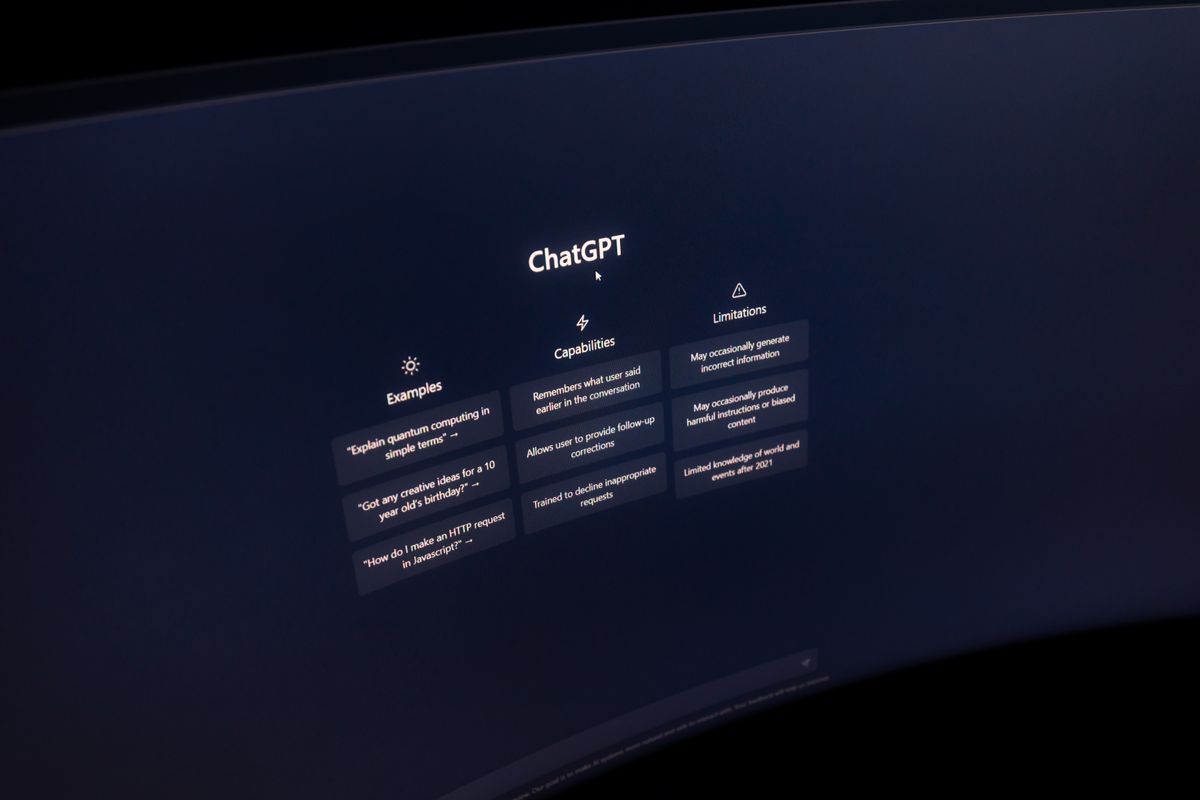
That is how AI-native operators handle LinkedIn content creation today. They write in the assistant they already use: Claude, ChatGPT or Grok. They test each draft against their own voice. Then a separate layer adds visuals, formats the post and holds it for approval.
The test matters because generic text is easy to spot. In a study published November 9, 2026, Originality.ai checked 5,000 public LinkedIn posts of at least 100 words from July 2026 and classed 81.2% of them as Likely AI. LinkedIn also lets members flag posts with a "Seems like AI slop" option.
SocialPost.ai is built for the step after the writing. You approve every post. Nothing publishes without your sign-off. But approval cannot rescue a draft that sounds like a stranger, so start with the voice test.
Why do most AI-written LinkedIn posts sound the same?
Most AI-written posts sound the same because the prompt is generic. A request like "write a LinkedIn post about cybersecurity for small firms" tells the model nothing about you. So the model falls back on the average post it has seen. Better input fixes this: your past posts, your stance and the words you refuse to use.
Assistants already get plenty of writing practice. An OpenAI and NBER study found that writing is the most common work task in ChatGPT. Practical guidance, seeking information and writing make up nearly 80% of all conversations. The model knows how to write a post. The model does not know your clients, your prices or your opinions.
Readers also care who made the content. In a six-country survey about news, not LinkedIn, published October 7, 2025, the Reuters Institute found 12% of people comfortable with fully AI-generated news, against 62% comfortable with fully human-made news. The gap still matters for a founder whose posts carry the firm's reputation.
What is a voice test for an AI LinkedIn post writer?
A voice test is a side-by-side check you run before paying for anything. Give the tool one brief and five of your past posts. Ask for three drafts on topics you know well. Then read each draft next to a post you wrote yourself. A draft passes only when a client could not tell the draft from your own post.
- Pick three topics you hold a real opinion on, such as a pricing mistake you keep seeing.
- Collect five posts, emails or call notes you wrote yourself and still like.
- Write a voice brief, using the list in the next section, and paste the brief in with the samples.
- Ask for three drafts, one per topic, at around 150 words each.
- Score each draft with the scorecard further down, then read the best draft aloud.
What should go in your voice brief?
A voice brief is one short page the AI reads before every draft. The brief holds your opinions, your vocabulary, your sentence rhythm and your limits. Keep the brief in a saved project or pinned chat so every draft starts from the same page. Update the brief whenever a draft misses your tone.
- Your stance: one sentence on what you believe about each topic, including where you disagree with common advice.
- Your words: five phrases you use often and five you would never write.
- Your rhythm: short or long sentences, contractions or not, questions or statements.
- Your proof: real projects, client types and numbers you are allowed to share.
- Your limits: topics, clients and claims that stay off LinkedIn.
What LinkedIn rules apply to AI-written posts?
LinkedIn's help page on AI content says the member is responsible for every post and should disclose heavy AI use. Members can also flag posts as AI slop, which LinkedIn defines as low-effort content with no clear point of view. So the AI can draft, but you answer for every word.
- Post length: up to 3,000 characters per post.
- Scheduling: LinkedIn's composer can schedule a post in advance.
- Responsibility: the member owns every post and should disclose heavy AI use.
- LinkedIn's own writer: LinkedIn Help says its AI post-writing tool is not available at this time.
What does a draft that passes the voice test look like?
A passing draft opens on a specific observation, takes a clear position and uses details only you would know. Here is a sample built from a voice brief for a hypothetical managed IT firm. The firm and the details are illustrative, so swap in your own work before you test.
Sample post: "Most of our new clients open with a cybersecurity question. The bigger risk usually sits in backups that have never been restored. So our first call now covers a single question: can you get yesterday's files back within an hour? If the answer is yes, we say so and move on. If the answer is no, that becomes the project. When did your team last test a restore?"
Score each draft against this checklist. A draft needs a yes on every line.
- Specific: the draft names a real situation from your own work.
- Positioned: a reader can say what you believe after one read.
- Yours: the vocabulary matches your samples, with zero words from your never list.
- Honest: every number and story in the draft is true and yours to share.
- Readable aloud: you would say every sentence to a client over coffee.
How do you choose an AI LinkedIn post writer after the test?
Pick the setup that passed your test with the least editing. If the assistant you already use passes with a good brief, keep writing there and spend your effort on visuals, scheduling and approval. If drafts fail twice with a full brief, fix the brief before you switch tools.
Compare three ways of working:
- Blank prompt: fast, but the draft reads like the average LinkedIn post and fails the scorecard on specifics.
- Brief plus samples: slower to set up once, then drafts usually need light edits.
- Brief, samples and a human edit before approval: the slowest setup, and the one that keeps your name safe.
The assistant matters less than the brief. ChatGPT suits owners who already run research and email there, and ChatGPT was the most-used generative AI system in the Reuters survey at 22% average weekly use. Claude suits owners who like to paste long samples and refine a draft line by line. Grok suits owners who already follow industry talk on X. Our guide on how far AI can handle social media covers the rest of the workflow.
Where does SocialPost fit if you already write in Claude, ChatGPT or Grok?
SocialPost sits after the writing. Log in and approve: SocialPost drafts on-brand posts every week, and nothing publishes until the owner approves. Your caption stays in your voice. SocialPost renders brand-correct visuals, formats the post for each platform, holds the post for your sign-off and schedules it once you say yes.
- Approval before publishing: you approve every post. Nothing publishes without your sign-off.
- AI images you edit in the SocialPost designer, instead of re-prompting from scratch.
- Your own photos, branded with your colors and logo.
- Company page and personal profile handled together.
- A person approves each post. Nothing goes out on its own.
Posts stay written in your voice and held for your approval. If you are comparing LinkedIn content marketing software or a LinkedIn scheduling tool, run the voice test first. Then read our LinkedIn ghostwriter alternative guide.
If you are working out how to post consistently on LinkedIn without a marketing team, run the voice test this week on three topics and keep the brief that passes. Then send the passing captions to SocialPost for visuals and scheduling, and approve each post yourself. Start free and approve your first post today. The Free plan includes 100 text posts a month, no card needed.
FAQ
Does LinkedIn allow posts written with AI?
Yes. LinkedIn Help says the member is responsible for every post and should disclose heavy AI use. Members can flag low-effort posts with a "Seems like AI slop" option, so every draft needs your review before the draft goes out.
Can you write in ChatGPT, Claude or Grok and still use SocialPost?
Yes. Paste in a caption from ChatGPT, Claude or Grok. Either way, you approve every post. Nothing publishes without your sign-off.
How long can a LinkedIn post be?
LinkedIn Help says a post can contain up to 3,000 characters. For the voice test, a draft of around 150 words is easier to score against your own posts.
Should a tool post or engage on LinkedIn for you?
No. Skip bots that post or comment for you, engagement pods and bulk DMs. A person should read and approve every post, and replies to comments should come from you.
Image: photo by Ivan S on Pexels.