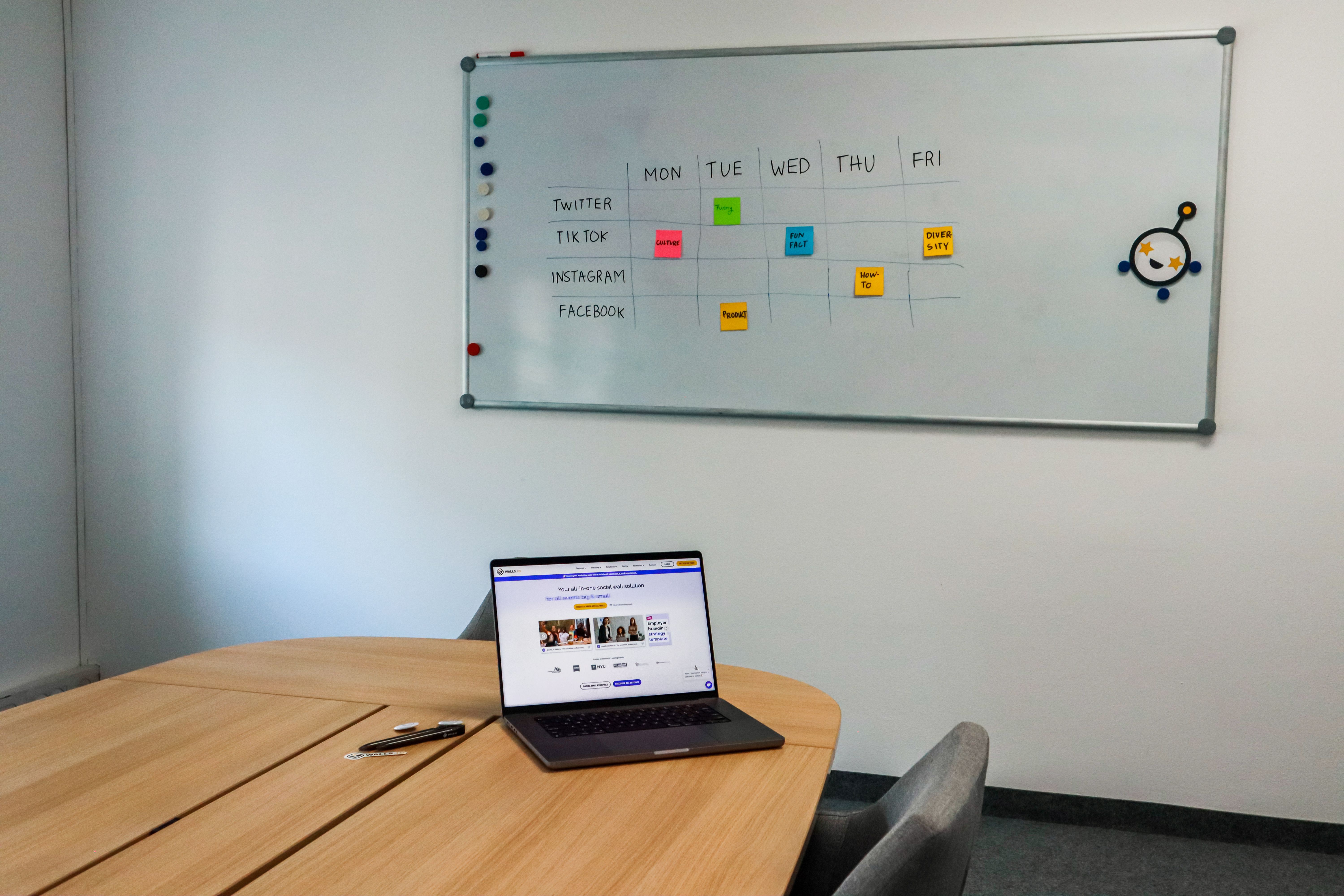

Most founders should treat branded graphics as a standing habit, not a one-off design project: pick one visual template that matches your site, reuse it on every post, and let a tool fill in the layout and visual so you're not opening Canva every week. The reason this matters more than it used to is simple: B2B buyers now do much of their vendor research before they ever contact you, and your LinkedIn page is usually where that research happens. If the page looks abandoned or mismatched, you've lost ground before the call.
Why branded graphics matter more for founders of small B2B firms than big brands
A big company survives a sloppy post because the buyer already trusts the logo. You don't have that cushion. When someone finds your firm through a referral or a Google search, your LinkedIn profile is often the second thing they check, right after your website. If your last post was three months ago, or your graphics look like they came from five different companies, that's the whole impression, formed at a glance.
And posting graphics once isn't the same as posting them on a rhythm. So the real job isn't "make one great graphic." It's "build a system that keeps producing them without eating your billable hours."
What "on-brand" actually means when you have no designer
You don't need a full brand book. For a solo firm or a small B2B team, on-brand means three things stay the same across every post:
- Your colors. Pull two or three from your website and use only those, every time. Random colors are the single fastest way a feed looks unprofessional.
- Your logo placement. Same corner, same size, every post. It sounds small. It's the difference between a page that reads as a company and one that reads as a person experimenting.
- Your type and layout. One font pairing, one layout style (quote card, stat card, list card: pick two and rotate). Not five different templates you found on Pinterest.
If you can lock those three things down once, you've solved most of the "does this look professional" problem, and you never have to think about it again post by post.
How much does professional-looking social content actually cost today
Before you decide whether to hire, do this, or handle it yourself, it helps to know the real numbers. Agency and freelancer retainers can run into four figures a month. Full-service packages with strategy and multi-platform posting cost more. A freelancer bills by the hour, which adds up fast if you want daily graphics plus captions plus scheduling.
For a one- or two-person firm, that math rarely works. You're not going to pay $1,500 a month to post three times a week when the whole point of running your own shop is keeping overhead low. This is the actual reason most founders' LinkedIn pages go quiet, not lack of ideas.
The three real options, compared honestly
Once you strip away the marketing language, every founder is choosing between three paths:
- Do it yourself in Canva or similar. Free or cheap, but it costs your time every single week, and consistency slips the moment you're busy with client work, which, for the owner of a small B2B firm, is most weeks.
- Hire a freelancer or agency. Consistent output, but real monthly cost, plus you're now managing someone, sending brand notes back and forth, and waiting on revisions.
- Use a tool that drafts the caption, renders the graphic, and holds the post for approval. You give it your website. It keeps your colors, logo, and type, renders the graphic around the caption your AI wrote, and schedules each post once you approve it.
Each path is legitimate. The right one depends on how much time you have left after client work, and whether you want to manage a person or manage a tool.
Where established tools fit
It's worth naming names here, because "social media tool" covers very different jobs:
- Buffer and Hootsuite are scheduling tools first. They're solid for a founder who has graphics and captions ready and wants a calendar and a queue.
- Taplio focuses on personal LinkedIn growth and writing help for individual profiles.
- Later and Metricool are strong for visual planning across Instagram-heavy brands.
- Canva gives you the design tools. Canva fits a founder who is happy to decide what to post and do the design work each time.
Each of these is a reasonable tool. They're just built for a different problem: a founder with no time and no designer who needs a LinkedIn page that looks like a firm that's winning.
How to choose without overthinking it
Use one decision rule: if you have design time and just need a queue, get a scheduler. If you have no design time, use a tool that drafts the words and starts from your own website, renders the branded graphic, and holds each post for your approval. Paying separately for a scheduler, a designer, and a writer is how solo firms end up spending agency money without an agency's output.
What changed: SocialPost drafts the caption, then renders the graphic and holds the post for approval
The newer category worth knowing about starts with a draft from SocialPost, and a tool reads your website for colors, logo and type, renders the brand-correct graphic around that caption, and holds the post for you to approve.
Some founders are also starting to connect ChatGPT to social media workflows directly, drafting captions in a chat window and pasting them into a design tool by hand. It works, but it's still two separate steps and two separate places for the brand to drift. The words in one tool, the graphic in another, nothing forcing them to match. A tool that drafts the caption and renders the graphic around it closes that gap by keeping the brand locked at the source, not stitched together after the fact.
If you want a broader look at what these tools handle and where the limits are, our guides on what AI can actually handle in social media and handling the full posting process walk through the mechanics in more detail.
The mistakes that undo good branding
Even founders who care about their page make the same handful of errors:
- Changing the template every time because "this one looks better," which resets the recognition you'd built up.
- Posting graphics with no consistent posting frequency, so the algorithm treats you as a stranger every time you show up.
- Using stock photos that don't match the brand colors, breaking the visual thread mid-feed.
- Writing captions in one voice and letting a freelancer write graphics copy in a completely different one.
We cover more of these in five mistakes founders make with their social content: worth a read if any of the above sounds familiar.
The honest test
If you're evaluating what counts as the best AI tool for small business social media this year, the honest test is whether it produces something you'd actually post without editing it first, not just whether it has a lot of features.
SocialPost was built around that test. SocialPost drafts the caption. It reads your site for colors, logo and type, renders the brand-correct visual, formats the post for each platform, holds it for your approval, and schedules it. You can compare it against other options in our roundup of the best social media tools for 2026.
Start free on the Free plan, no card needed.
FAQ
Do I really need branded graphics if I only post occasionally?
Yes, more than a heavy poster does. Occasional posts get scrutinized harder because there's less history to soften a mismatched or low-effort graphic. Consistent branding does more work per post when you're not posting daily.
What's the cheapest way to get branded LinkedIn graphics without hiring anyone?
Lock your colors, logo placement, and one or two layout templates yourself in Canva, then reuse them by hand, or use a tool that drafts the caption that pulls those brand elements from your website and applies them to each graphic.
Is Buffer or Hootsuite enough for a founder of a small B2B firm?
They're good schedulers. They fit a founder who already has the graphic and caption ready each week.
How is this different from connecting ChatGPT to social media myself?
ChatGPT writes the caption. SocialPost.ai applies the brand, designs and formats the post, holds it for approval, and schedules it.
How often should I actually post to see any real growth?
A steady weekly rhythm is the place to start.
What does a social media agency cost compared to a tool like this?
Agencies and freelancers charge a monthly fee that grows with scope. A tool that drafts the caption, renders the branded graphic from your own site, and holds each post for your approval is another route for a one- or two-person firm.
Image: photo by ready made on Pexels.